
Log an access or deletion request
The Request register gathers your clients’ requests about their personal information: access, rectification, deletion, export, withdrawal of consent or de-indexing. A request sent through your public privacy portal enters it on its own; a request received any other way is added by hand.
Before you start
Section titled “Before you start”The register must be activated, see Set up the privacy tools. The organisation’s owners and administrators edit and close requests.
Add a request
Section titled “Add a request”-
In the left menu, click Privacy, then the Requests card. Click Add a request.
-
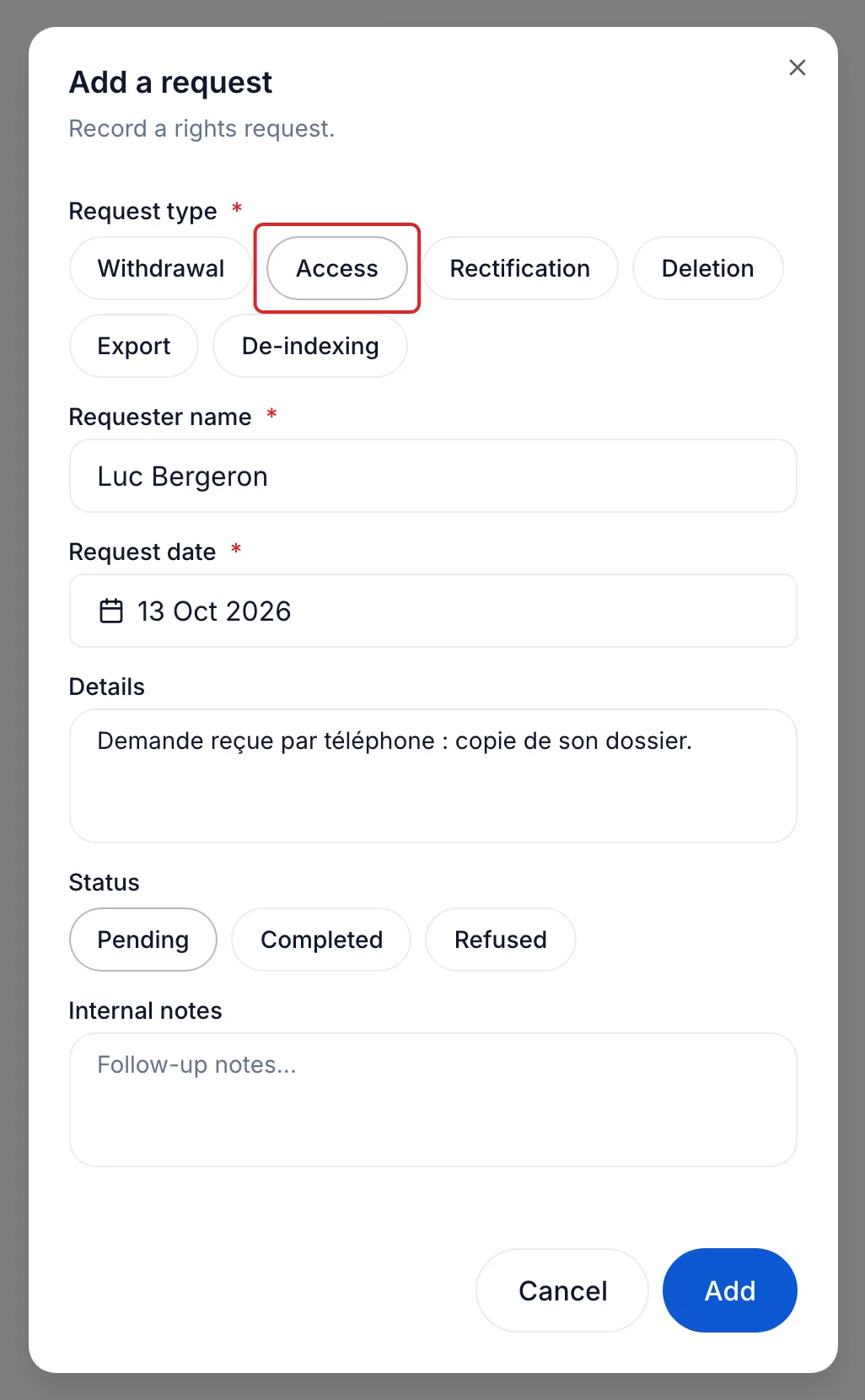
Choose the Request type: Withdrawal, Access, Rectification, Deletion, Export or De-indexing.
-
Enter the Requester name and the Request date, today by default. Describe the request under Details and, if useful, under Internal notes.
-
Leave the Status at Pending, then click Add.
Track and close the request
Section titled “Track and close the request”The register shows each request with its type, its date and its Age, the number of days since the request. meo does not compute a response deadline: follow the one that applies to your organisation. Pending requests also show on Home, under Needs your attention.
To answer, open the contact’s record: Export the data and Anonymize this contact are in the Privacy tools card. Then answer the requester and come back to the register: click the request’s row, choose Completed or Refused, and click Update. meo does not write to the requester on your behalf.
For a request received through the public portal, meo writes to your privacy officer and to the people who manage the privacy tools, with the View the request button.
Result
Section titled “Result”The request and your answer are recorded in one place, with their dates.
Frequently asked questions
Section titled “Frequently asked questions”- How do you respond to a client who wants to obtain or erase their information?
- What remains of an anonymised contact?