
View a folder shared with you
A firm shared a folder with you through meo, for example the documents of a client whose accountant you are. There is no account to create and no app to install: a code received by email or text message is enough.
Open the folder
Section titled “Open the folder”-
Open the ”… shared a folder with you” email or the text message, then click Open folder or the link.
-
The page shows the firm, the folder’s name, what you can do in it and its expiry date. Click Sign in.
-
If asked, choose By email or By SMS. Enter the email address or the number that received the share, then click Send the code.
-
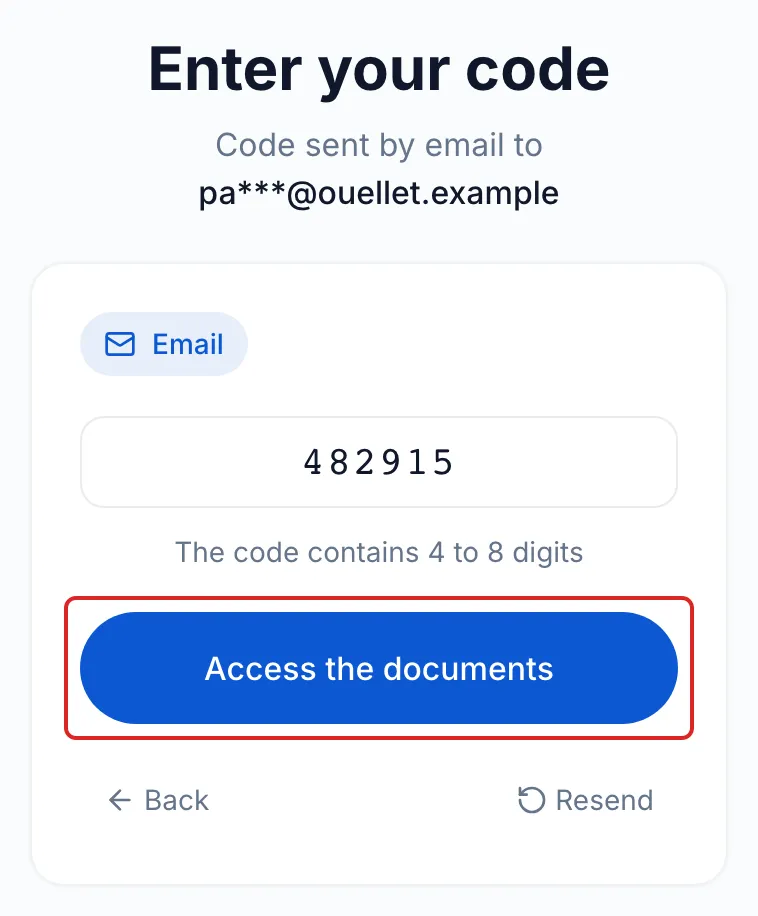
Enter the code you received and click Access the documents. The code expires after 10 minutes. To get a new one, click Resend; the button then shows a one-minute countdown before the next send.
View and download
Section titled “View and download”Click a folder to open it, and a file to display it: images, PDFs, videos and audio files open in the page. To download a file, open its ⋮ menu or right-click it, then click Download. Files download one at a time; a whole folder does not download in one go.
Add documents
Section titled “Add documents”If the firm lets you add files, the Editor mention shows at the bottom of the left menu. Click New, then Upload files or New folder. On a computer, you can also drag your files into the page. The files arrive in the open folder, where the firm sees them.
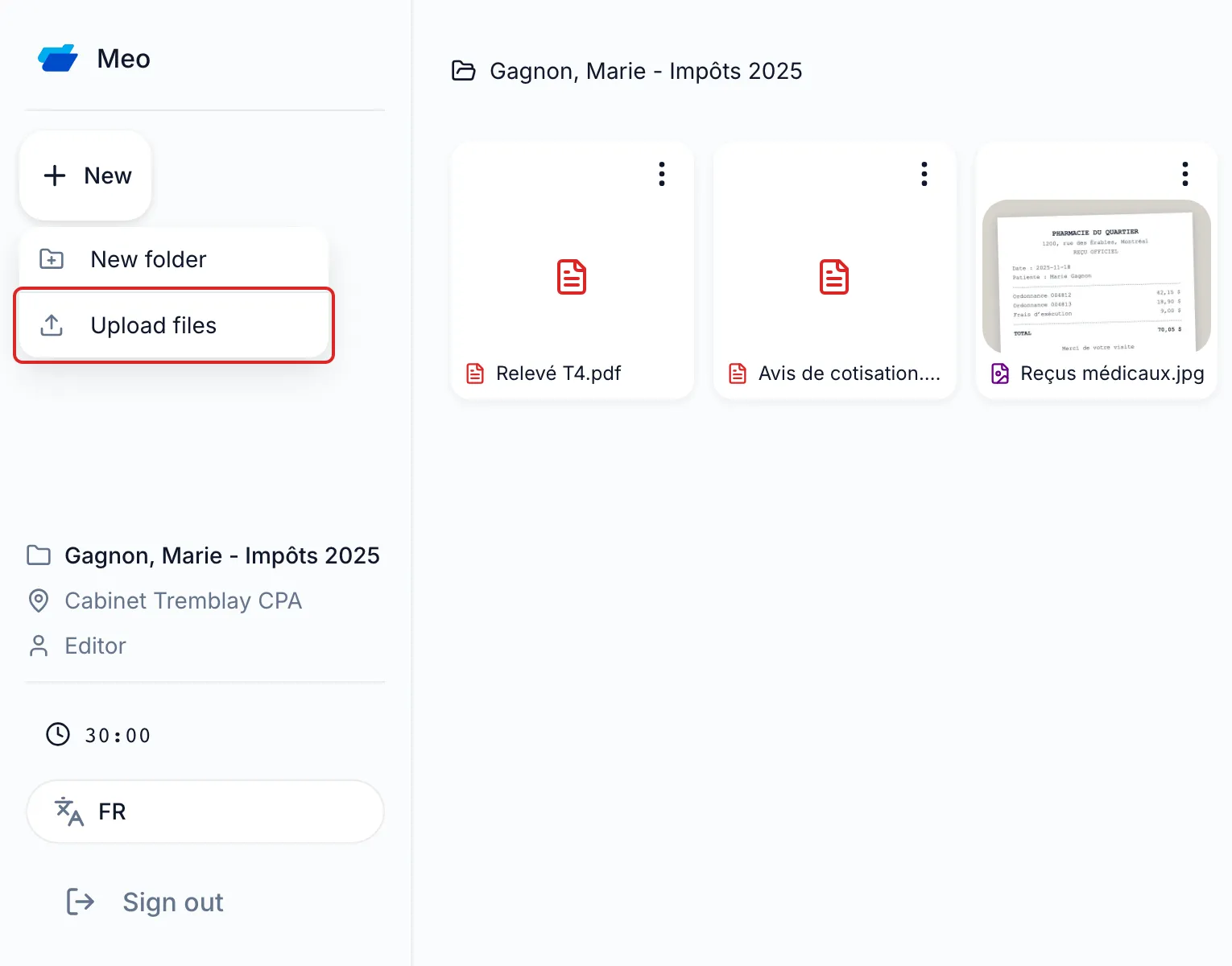
Each file can be up to 500 MB, 20 files at a time. Programs, such as .exe files, are refused. The ⋮ menu of a file or folder also offers Rename and Delete.
Come back later
Section titled “Come back later”After 30 minutes without activity, meo signs you out for your security. Two minutes before, click Extend the session to continue. Once signed out, click Reconnect and enter a new code. Your access holds for the open tab: a new tab asks for a new code.
To read the page in French, click FR in the left menu, once signed in.
The link no longer works
Section titled “The link no longer works”“Share not found” means the share has expired or the firm has withdrawn it. Only the firm can give you new access.
A question?
Section titled “A question?”The share email comes from meo, and a reply to that email does not reach the firm. Write directly to the person who shared the folder with you: they are the one who can extend your access or change what you can do.