
Test a request by sending it to yourself
Before you send a request to your clients, send it to yourself. You get the same email, you open the same portal and you then see what your team receives.
Send yourself the request
Section titled “Send yourself the request”-
Click New at the top of the left menu, then New request.
-
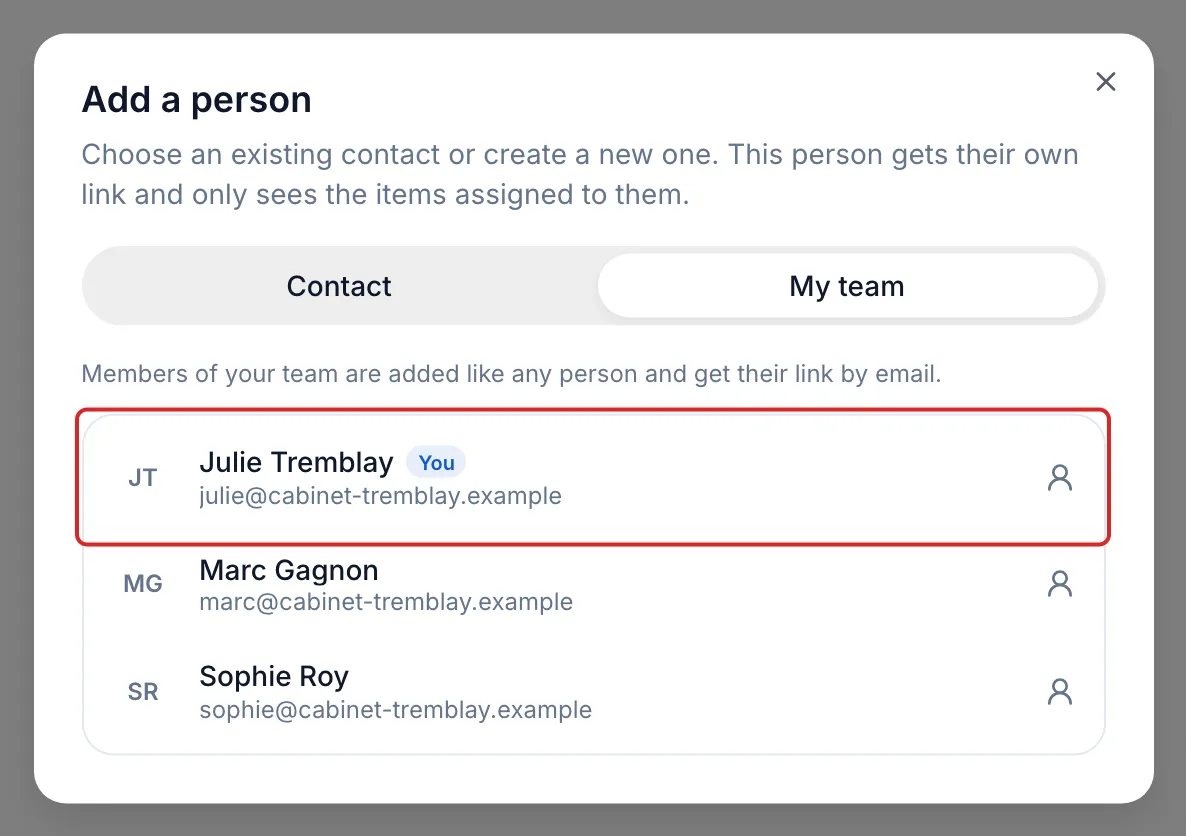
In the Participants card, click Add a person, then the My team tab. Click your name, marked You. Your link will go to the email address of your meo account.
Would you rather receive the request at another address? Stay on the Contact tab and create a test contact with that address.
-
Compose the request as you would for a client. To test a request template, choose it under Start from a request template.
-
On the Delivery step, leave Email on, then click Continue and Send.
Respond as your client
Section titled “Respond as your client”-
In your inbox, open the request email and click View my request.
-
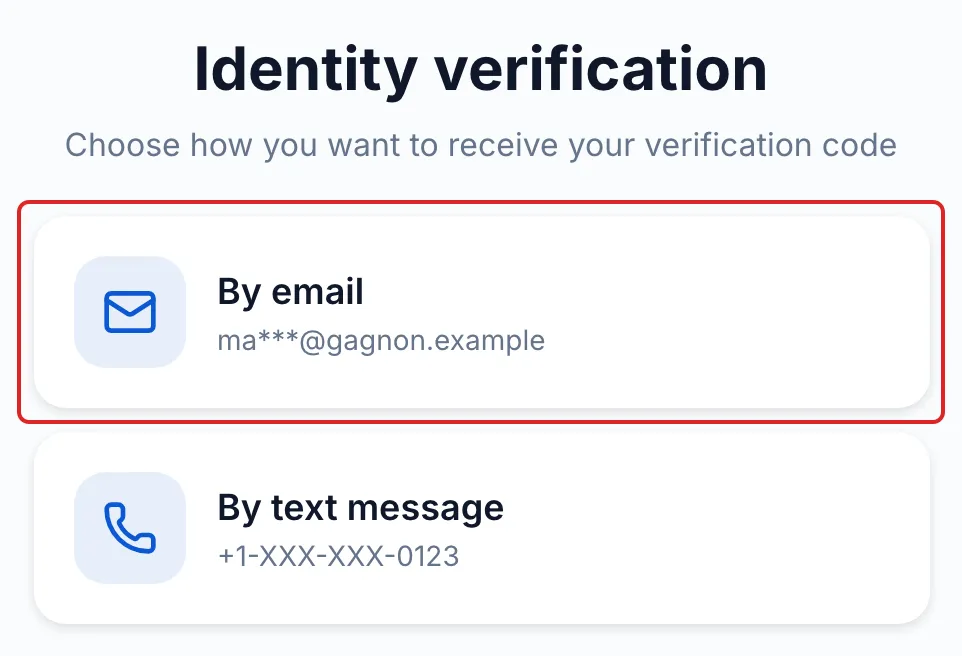
In the portal, click Sign in, choose By email, then enter the code you received and click Verify. The code expires after 10 minutes.
-
Read the consent, tick the box and click Accept and continue.
-
Fill in the items: drop in any file, answer the questions, tick the statements.
-
Click Submit, then Submit again to confirm.
Result
Section titled “Result”In meo, open the request: what you submitted appears under your name, and the History shows each step, from the email being sent to the submission.
Good to know
Section titled “Good to know”- Your progress in the portal is saved as you go. You can leave and come back with the same link.
- The first time you add yourself from My team, meo creates a contact in your name in this space, linked to your account. This contact appears neither in Contacts nor in Documents: the test request and your files are filed in its folder. Find them in the request, from the Requests page.
- The test request appears on the Requests page like any other. If it stays open after your test, open its ⋯ menu and click Cancel request.
- To test a signature, the person who signs needs an email address. That is the case when you add yourself from My team.
Frequently asked questions
Section titled “Frequently asked questions”- Can you send a request link yourself, without meo’s emails?
- What can you ask your clients for in a request?