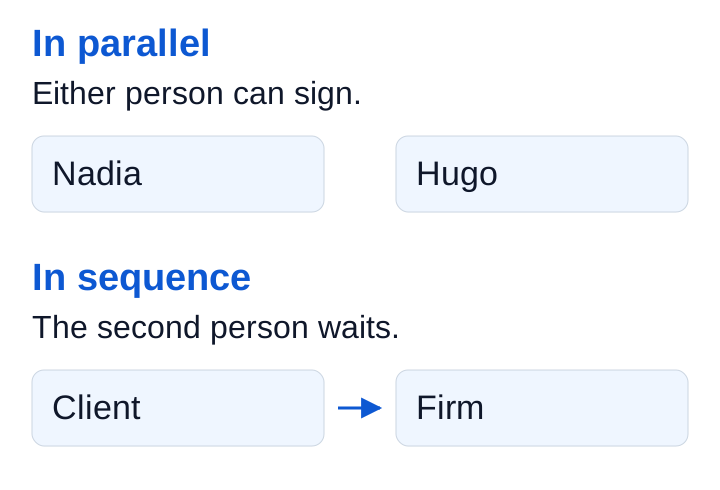
Meo includes unlimited signatures in every plan. There is no extra signing subscription to manage and no signature quota to track. For an agreement involving several people, you choose how they sign: in parallel or in sequence.
When signatures are independent, parallel signing lets each person act when they are available. Use sequential signing when your process actually requires one person to sign before another.
Nadia is available today, Hugo tomorrow
In this fictional example, Nadia and Hugo need to sign the same agreement. The text is ready and neither signature depends on the other. With parallel signing, Nadia can sign today without waiting for Hugo. He can sign when he is available.
The document will be fully signed once both signatures have been received.
When your process requires the client to sign first
In another situation, your process calls for the client to sign before the firm’s representative. Choose sequential signing. Meo follows that order and moves signing to the next person. The representative signs after the client, without you having to forward another version of the PDF.
Track signatures without passing the PDF around
Each signer opens their personal link and enters the one-time code received by email or text message. They sign in a browser, on a phone or computer, with no account to create or app to install.
Meo notifies you of each signature. The reminders you configure follow up with people who still need to sign, once it is their turn. You can keep track of the person still needed without asking again for a signature already received.
Once everyone has signed, Meo files the completed PDF in the client folder and sends a copy to each signer. Your team can find the fully signed agreement in the file without assembling separately returned versions.